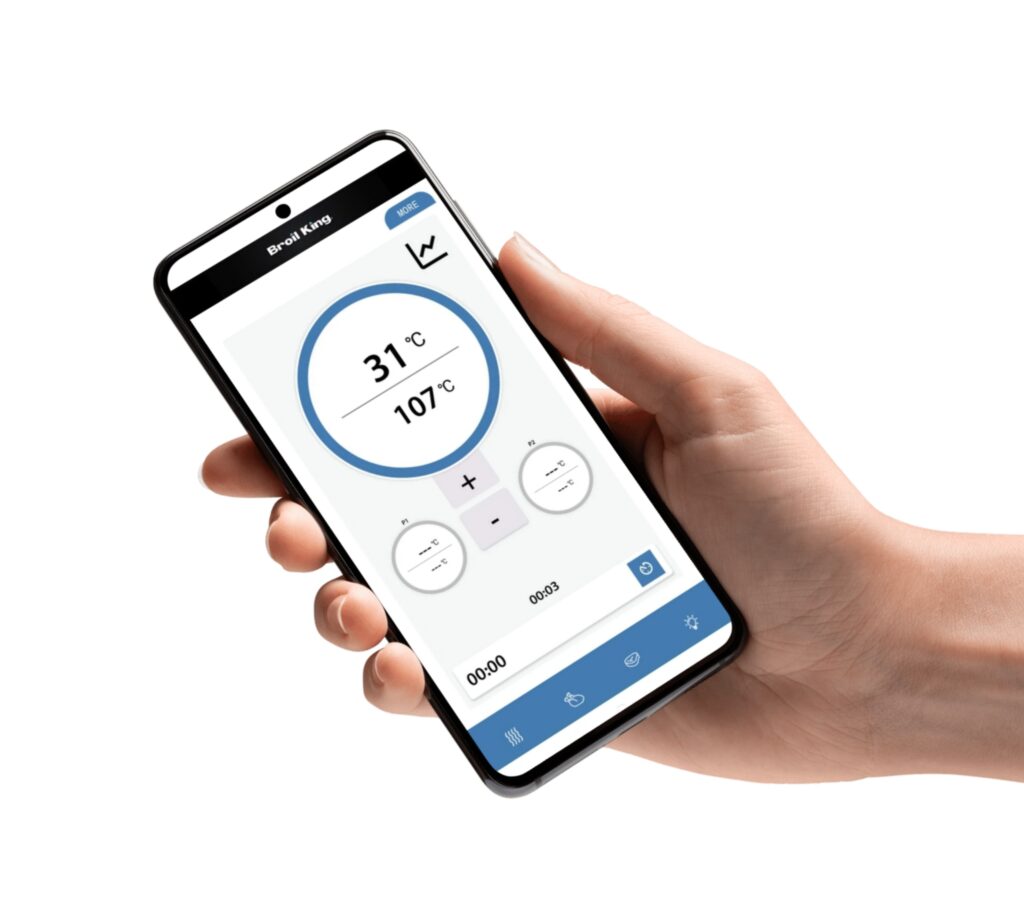
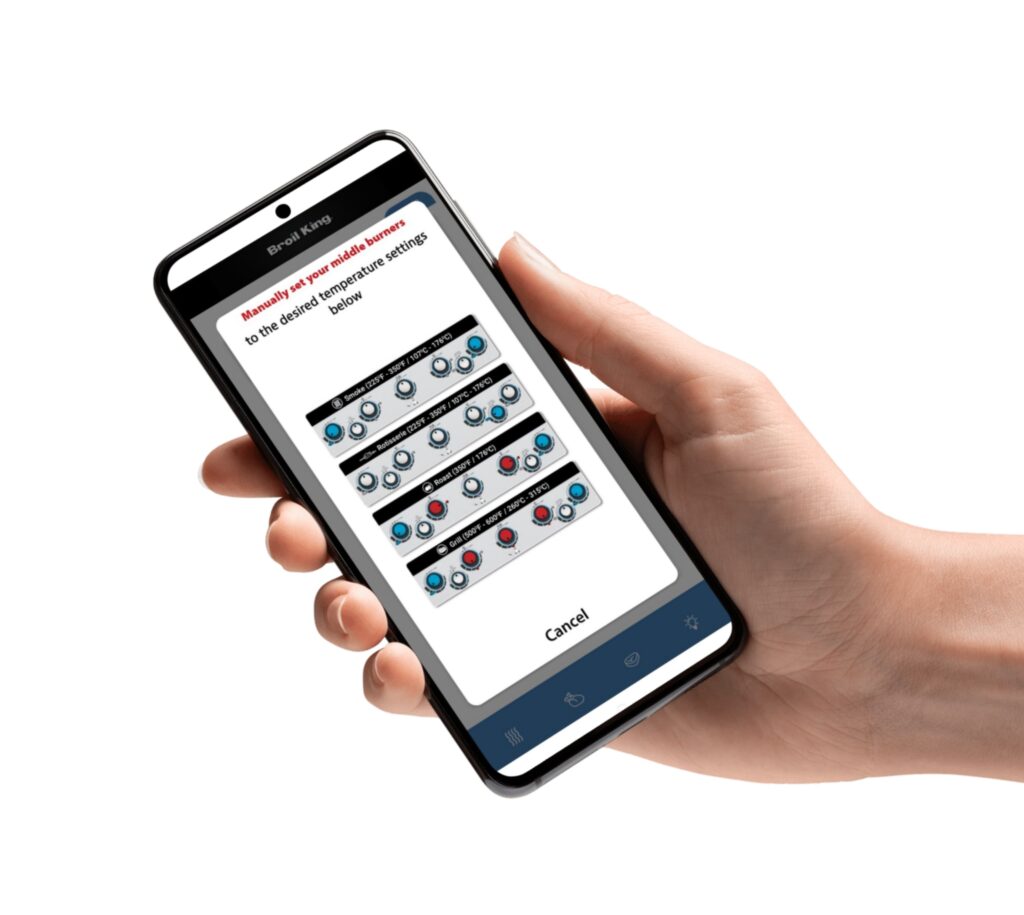
The Broil King iQue App allows you to monitor and control your compatible Broil King grill using your smartphone or tablet. Follow the steps below to set up, connect, and use iQue effectively.
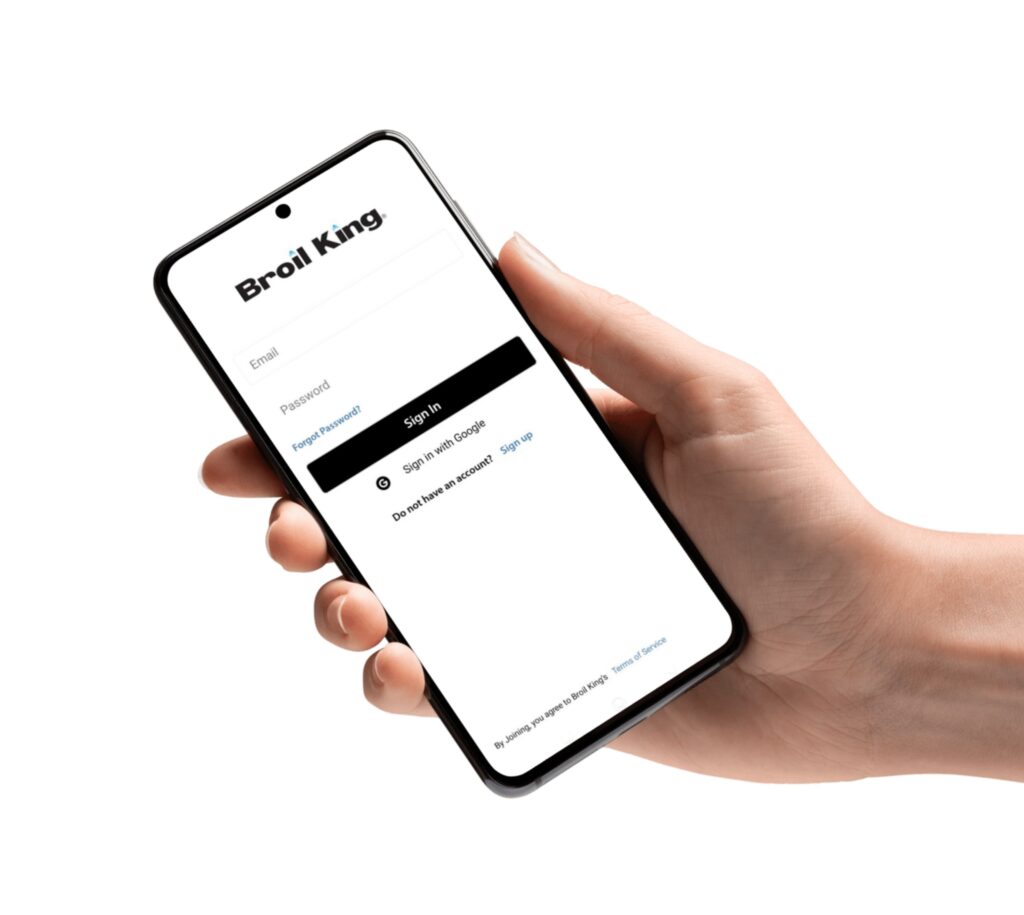
1. Create or Sign In to an Account
To control your grill through the app, you must sign in with a Broil King iQue account.
Account login is required for grill control
You can browse the app without signing in, but control features will be disabled
Social login options (Google, Apple, Facebook) are supported
2. Connect Your Grill
Step by step guide:
Turn on your grill
Open the iQue App
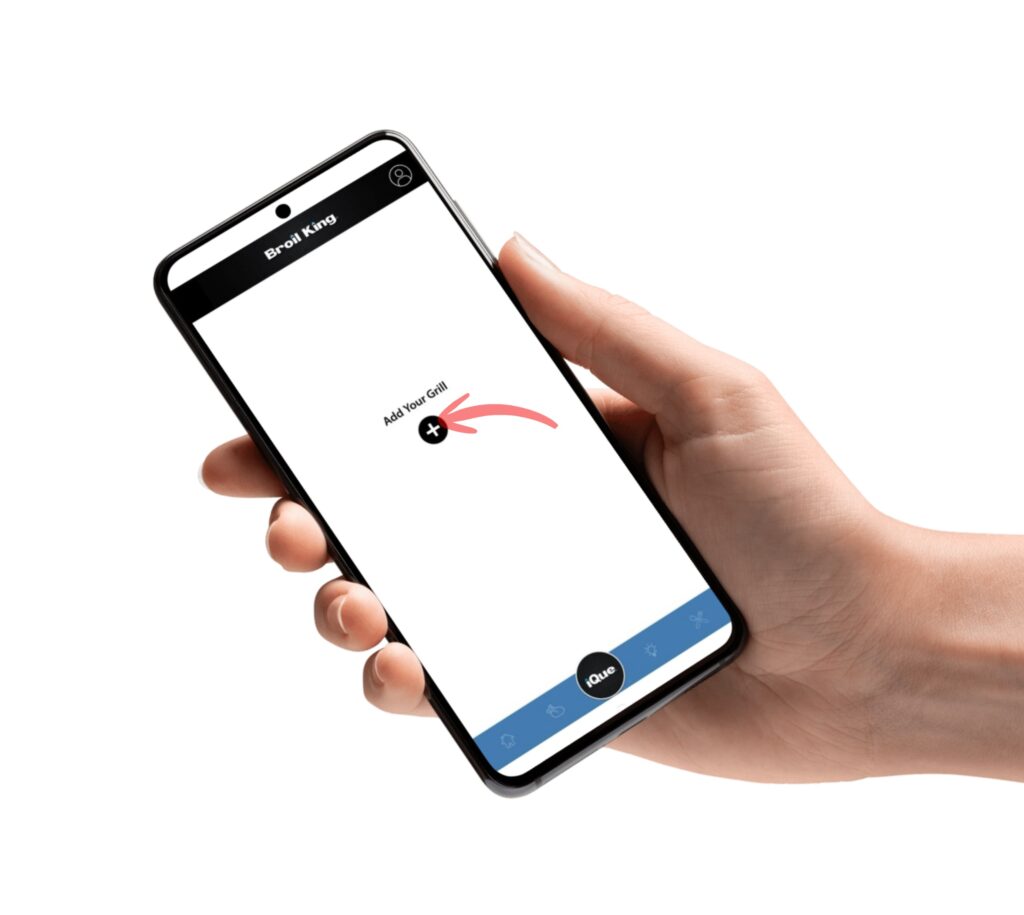
Tap the iQue icon on the home screen
Tap the “+” button to add a new grill
Follow the on-screen instructions to complete setup
You may connect multiple mobile devices to the same grill.
3. Bluetooth & Wi-Fi Connection
Bluetooth & Wi-Fi Connection Explained in following steps
Bluetooth is used only during the initial setup to detect the grill
After setup, the grill communicates with the app via Wi-Fi
iQue requires a 2.4 GHz Wi-Fi network (5 GHz networks are not supported)
If Wi-Fi is unavailable, the grill will continue to operate manually
4. Using iQue to Control Your Grill
Once connected, the app allows you to:
Adjust grill temperature
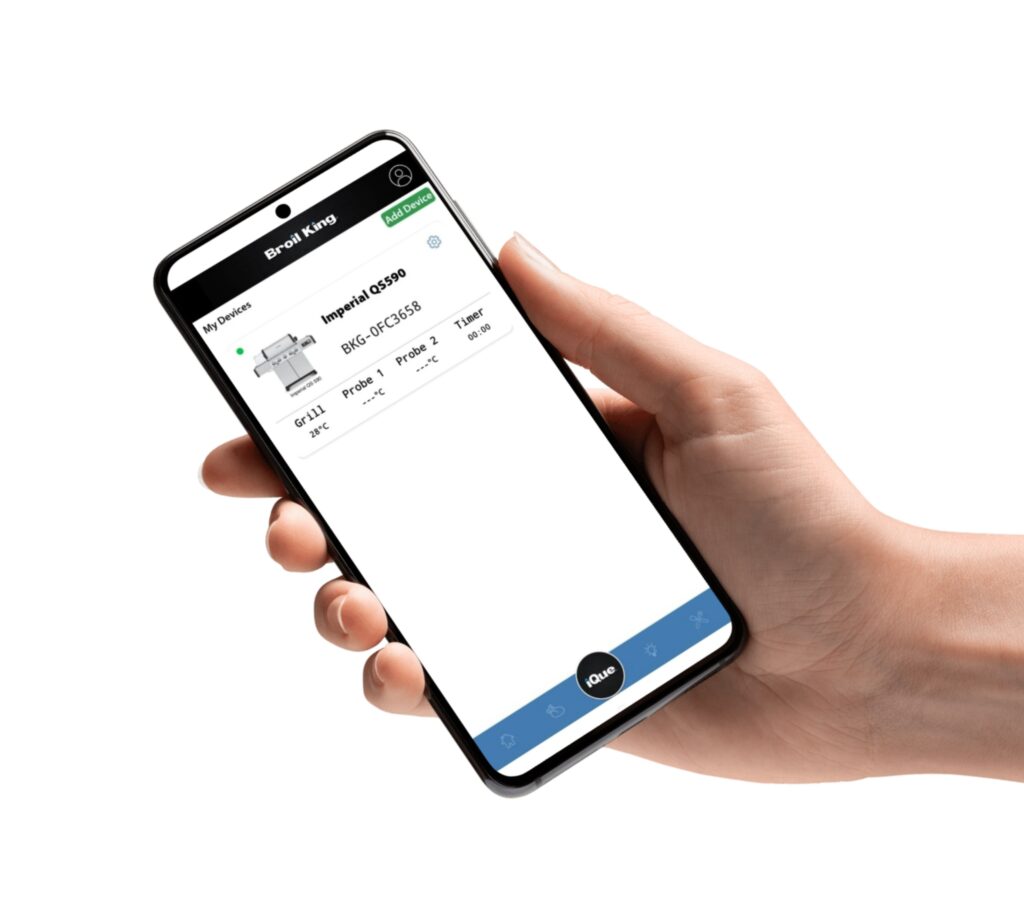
Monitor real-time grill and meat probe readings
Set cooking timers
Receive temperature and status notifications
You may connect multiple mobile devices to the same grill.
5. Changing Grill Temperature
Open the app and select your grill.
Tap the temperature display
Use the + / – controls to set your desired temperature
Turning the Grill Off via the App
For safety reasons, the app cannot turn the grill on.
6. Disengaging App Control (Manual Mode)
If you want to operate the grill manually while it remains powered on:
Press and hold the SMOKE button on the grill controller for 3 seconds
This disconnects app control without turning the grill off
Important Notes
An internet connection is required for remote access
Manual grill operation is always available
Notifications must be enabled on your device for alerts
Keep the app updated for best performance
Troubleshooting Common Issues
Wi-Fi Icon Not Displayed
The grill is not connected to Wi-Fi
Verify the network is 2.4 GHz
Check router signal strength
Firmware Update Issues
Keep the app open during updates
Do not lock your phone or switch apps
Ensure a stable Wi-Fi connection
Grill Not Showing in the App
Ensure you are logged into the same account originally used
Check that your Wi-Fi name or password has not changed
Reconnect the grill if network details were updated